
Learn the gaps.
Read changing patterns and increasing speed. Aim for a higher personal best, a longer Flow streak and a cleaner run. Trust your timing, but leave room to learn.
Close One! / How it plays
Touch and drag to guide the core through falling hazards. A safe pass keeps you alive. A close call turns a clean run into a higher-scoring one.
Easy to start. Hard to put together a perfect run.
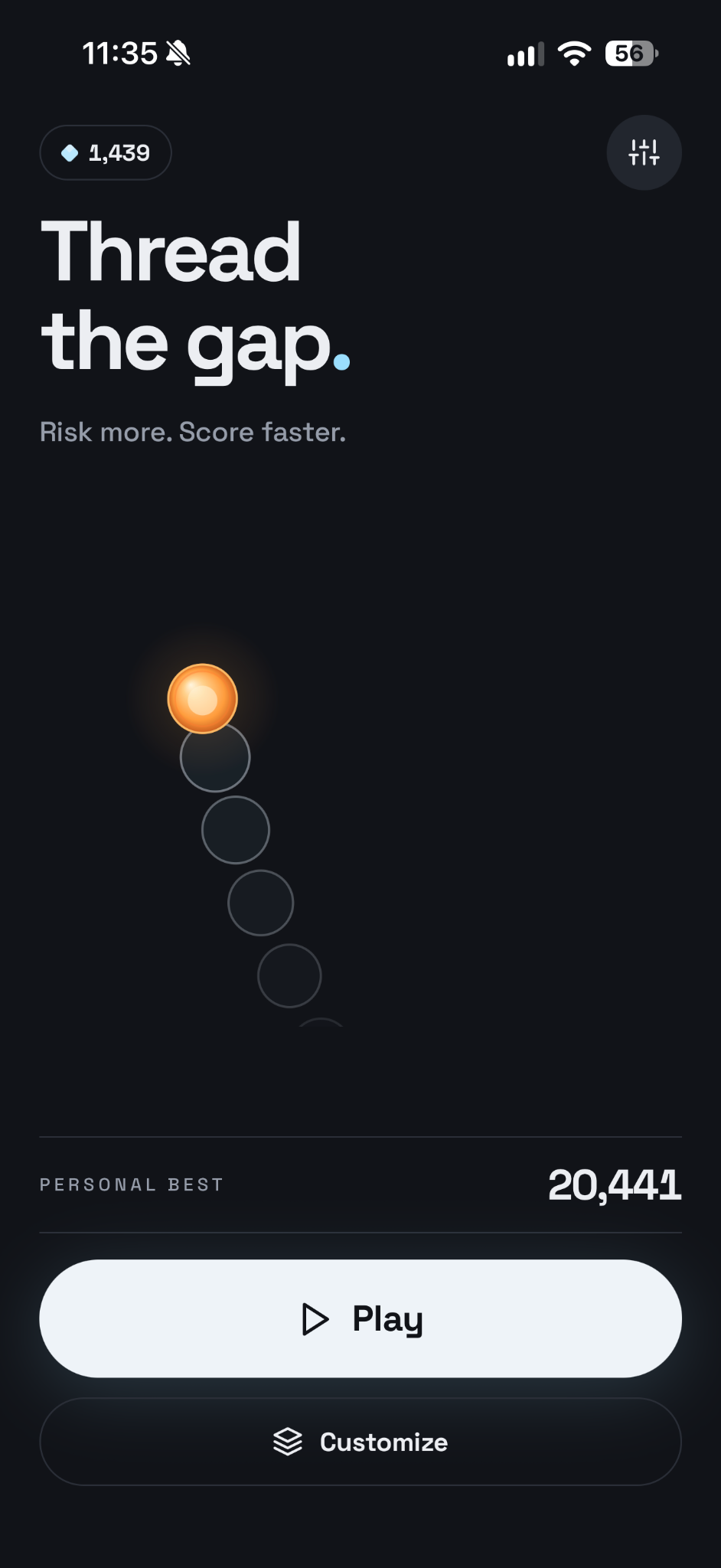
Move your finger left or right. The core follows. Read the falling hazards and guide it through the opening. Pause a run to resume or restart.
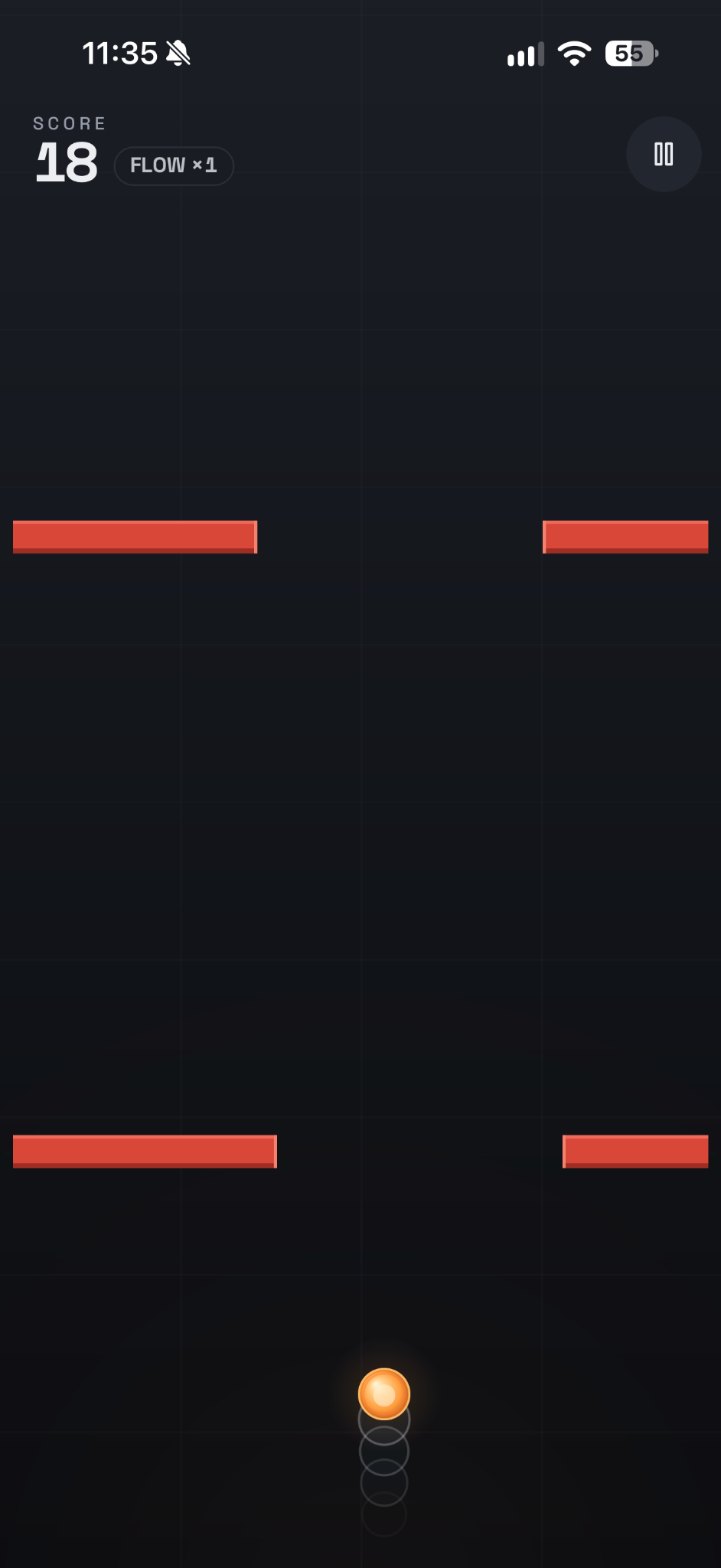
Thread the gap without hitting a bar. Pass close without touching to earn a close call. Each one is counted; chain them together to build Flow.
Reading the field
Find the opening between the falling red bars, then decide how much clearance to leave. A clean pass is good. A close pass can be better.
03 / Close calls & Flow
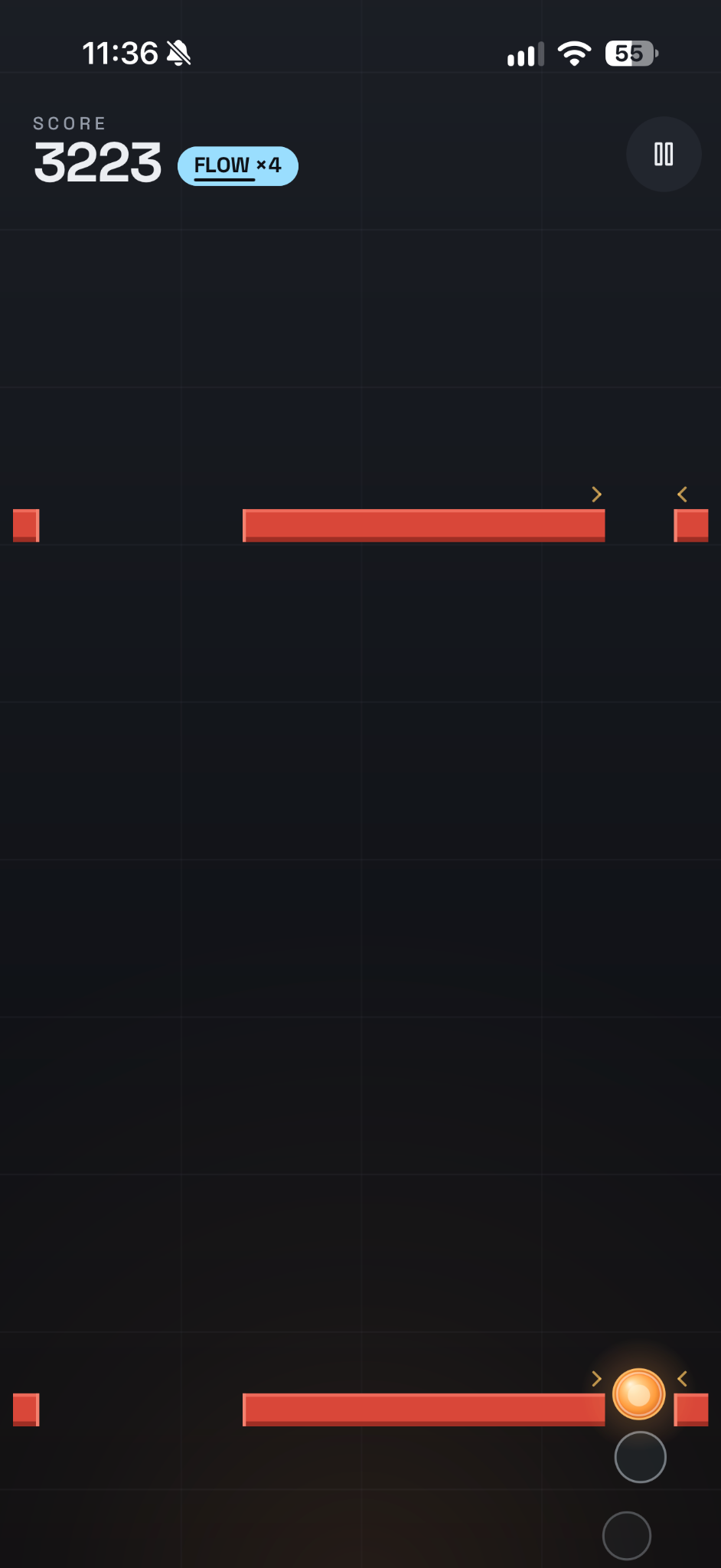
Start at ×1. Chain close calls to build your score multiplier. The counts below are approximate.
Go about four seconds without another close call and Flow drops. Maintaining the chain rewards precision, not just survival.
04 / Risk & reward
Optional danger routes offer a more demanding path through the field. Safer routes remain available.
A safe pass keeps the run alive. A closer pass can earn more. The choice is yours.
05 / Personal mastery
Read changing patterns and increasing speed. Aim for a higher personal best, a longer Flow streak and a cleaner run. Trust your timing, but leave room to learn.
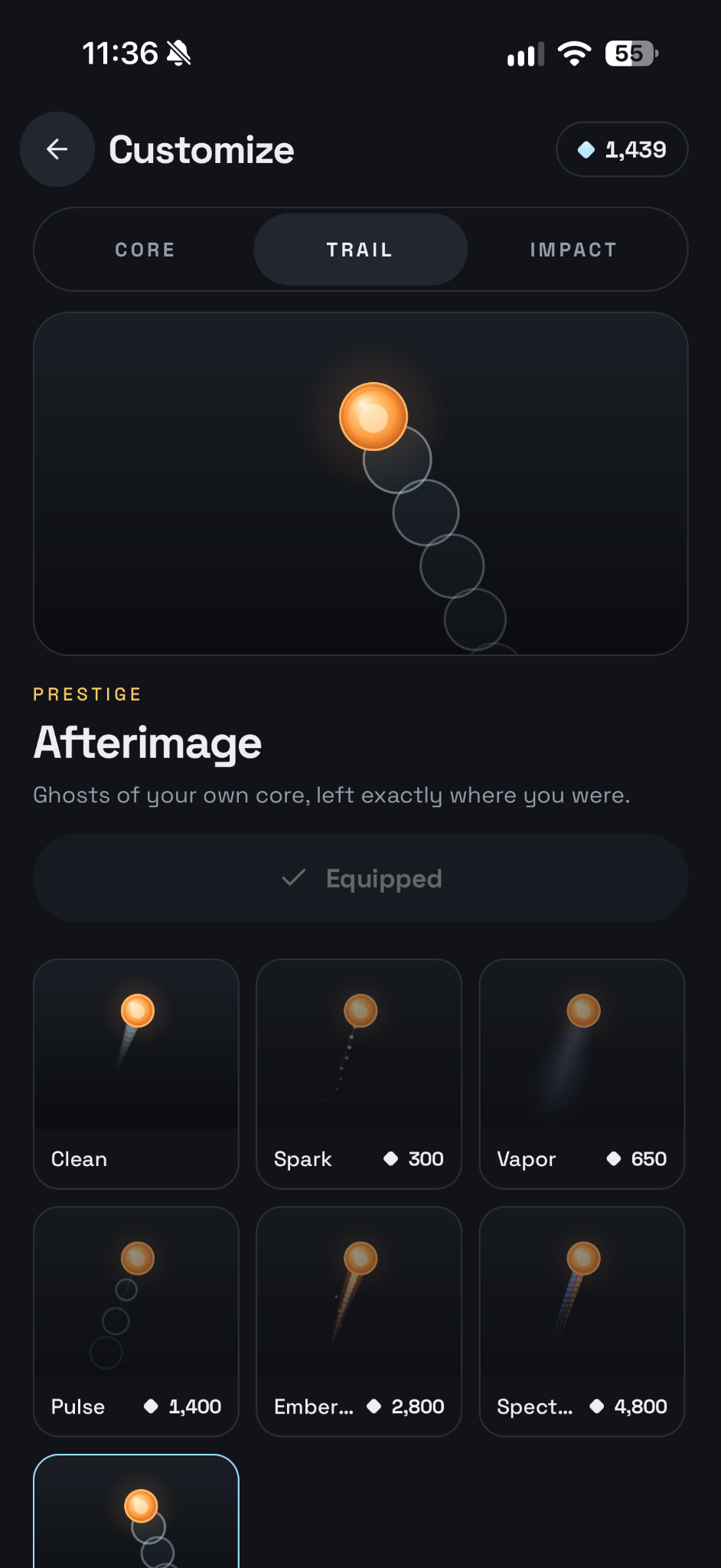
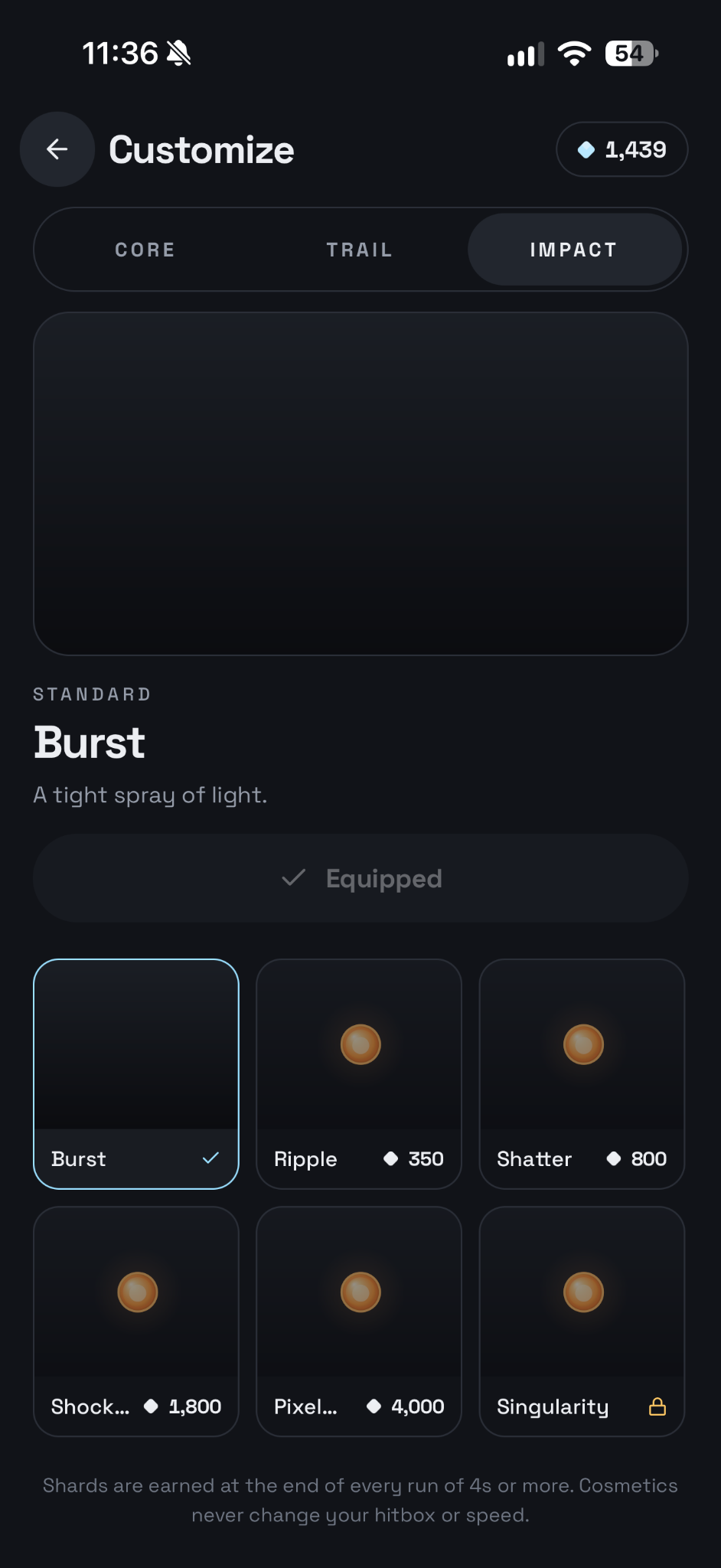
Shards are earned by playing. Use them in Customize to unlock and equip cores, trails and impact effects. Progress gives you more ways to make the game your own.
06 / Customize
Open Customize from the menu. Choose a core, add a trail, and equip an impact effect. Preview the real screens here.
Shards change the look, not the odds. Cosmetics never change size, speed or scoring.
Progress and saves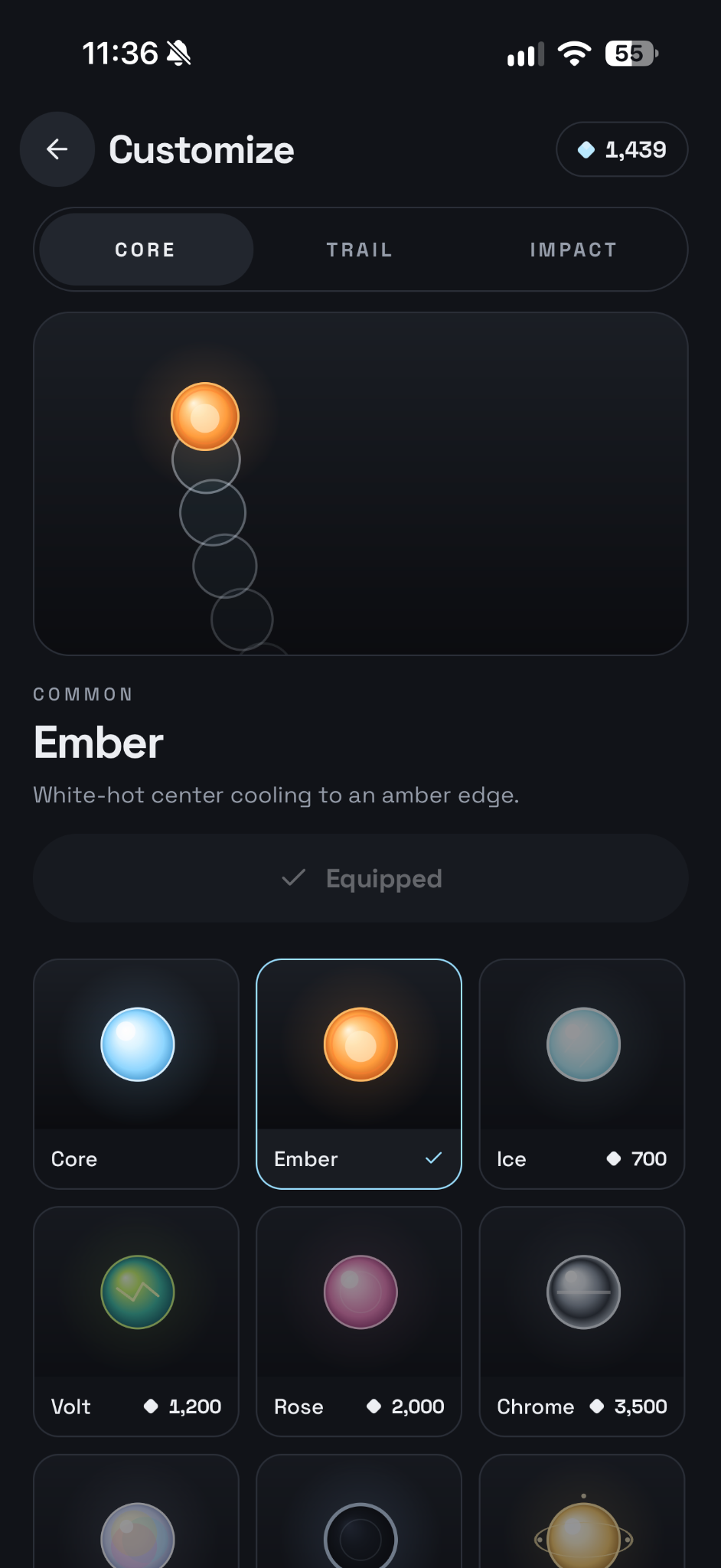
07 / On your device
No account or connection is needed to play. Progress stays on your device, without in-app cloud sync. Removing the app can remove your progress.